Share files at ultra-fast speeds, control screens remotely, and message securely with colleagues over local Wi-Fi or LAN networks, without needing internet.
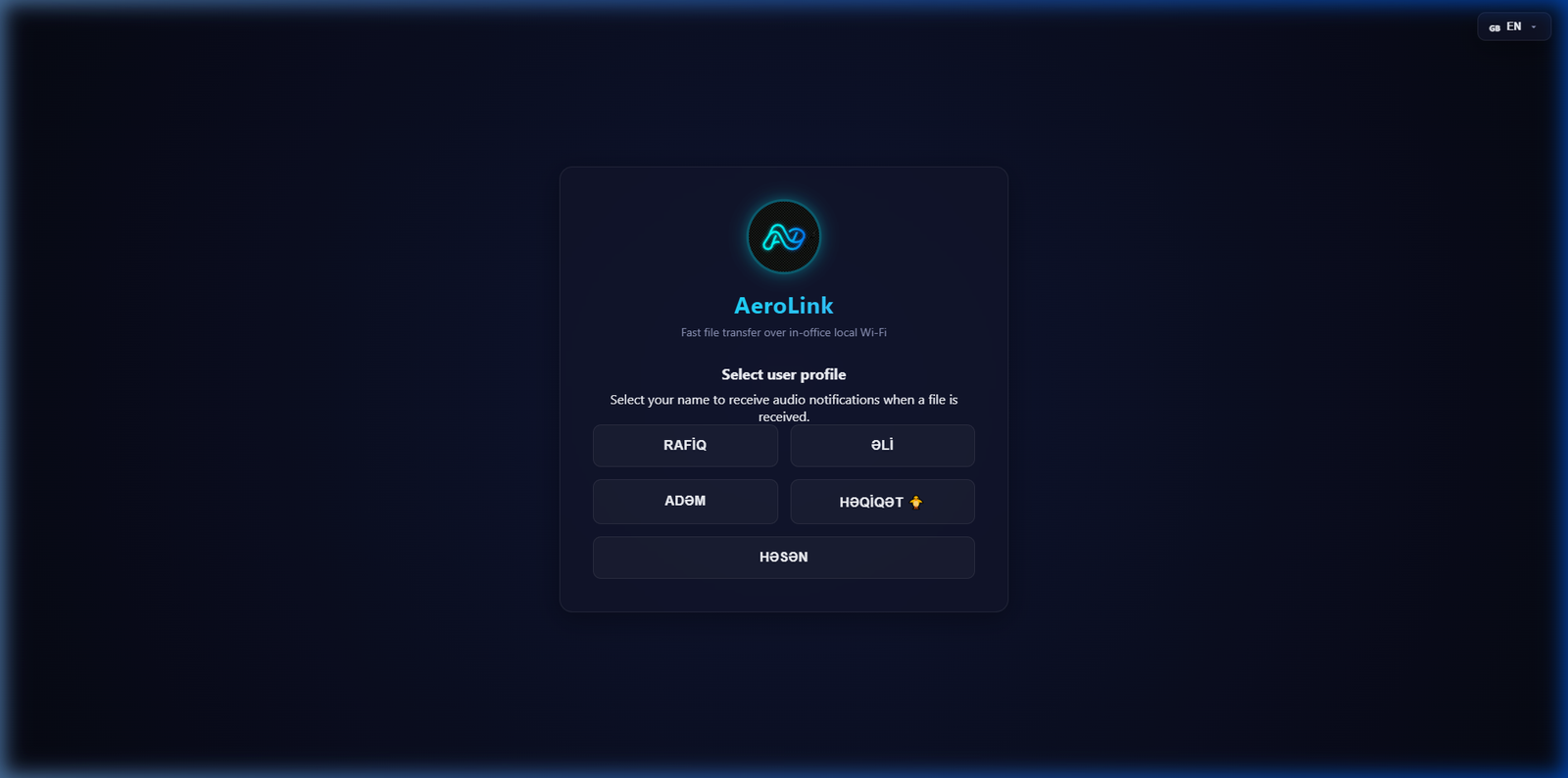
No need for cloud storage, external USB drives, or complex messengers. AeroLink is the perfect local solution for your office.
The app runs entirely over local Wi-Fi/LAN. Even if the internet goes down, file transfer and screen control continue seamlessly.
Transfer files directly from computer to computer (P2P) without cloud limits. Utilize the maximum speed supported by your Wi-Fi router (up to 1 Gbps).
Your files are never uploaded to external cloud servers. All documents remain strictly on the local computer serving as the server in your office and on your private network.
View or request to control a colleague's screen with a single click. Full control with audio notifications and security prompt permissions (Allow/Deny).
Everyone's profile on the network is managed centrally on the server. When a new employee is added, it updates instantly across all computers.
The software locks onto the physical address (BSSID) of your specific Wi-Fi network. This prevents the license from being taken out of the office and shared unauthorized.
AeroLink doesn't just send files. It creates a permanent, fast, and completely isolated local communication channel between different departments and employees in your office.
Get familiar with system installation, license activation, and file transfer usage rules.
Separate activation is required for each office:
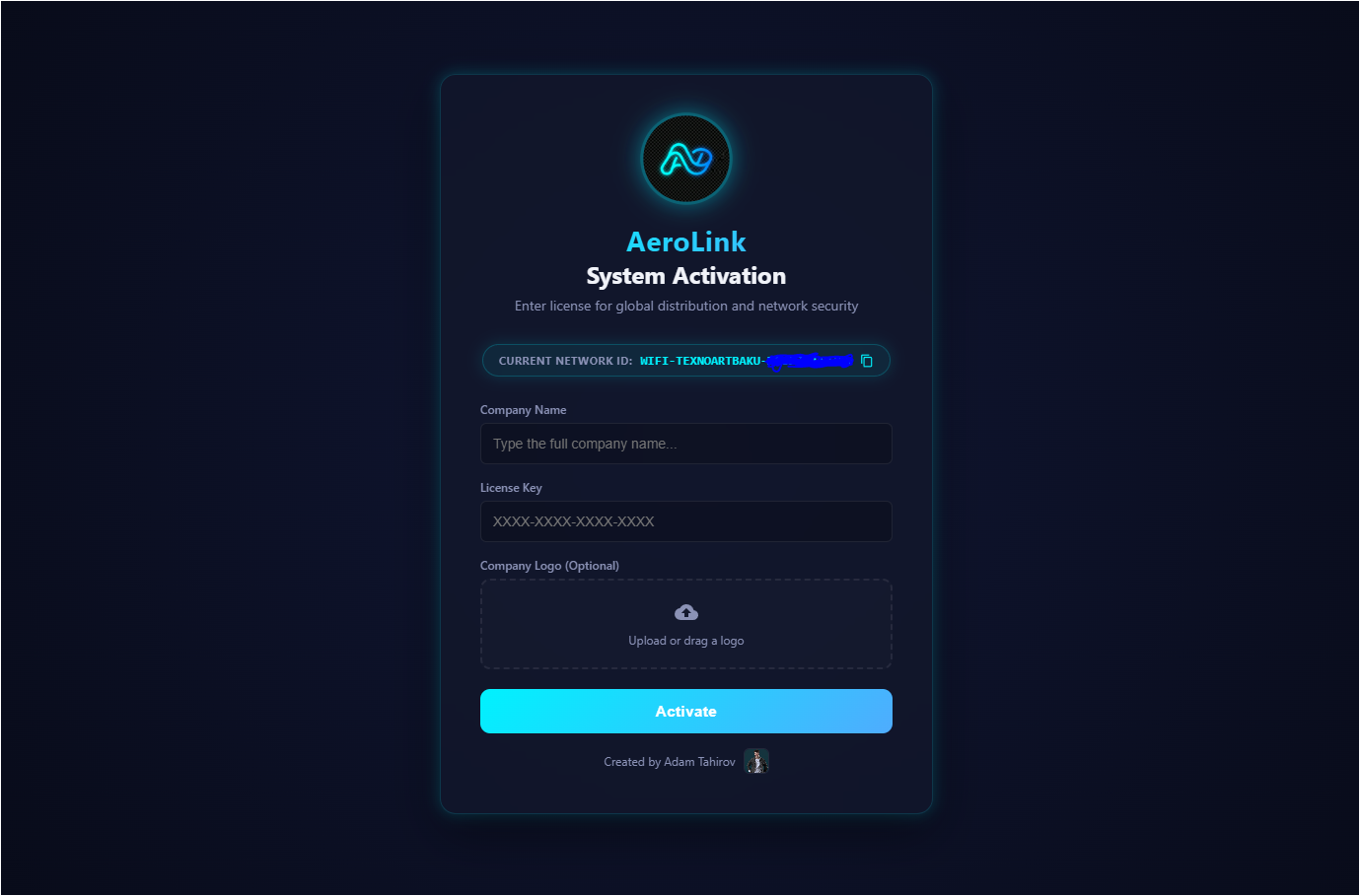
Once the Server is activated, the employee directory is created:
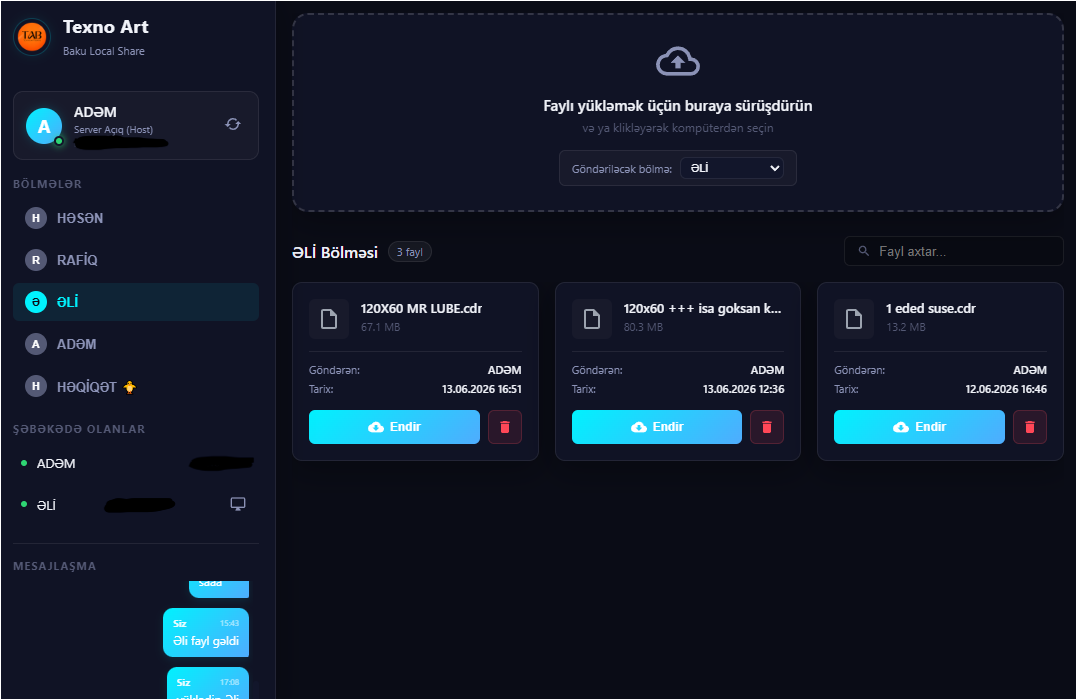
Once all employees are connected, the system is fully active:
Most common questions about AeroLink and their detailed answers.
No. AeroLink is a completely local intranet application. It is enough to be connected to your office Wi-Fi router or local network cable. Even if the internet line is down, the application transfers files and controls screens at maximum network speed.
This is for security and to prevent unauthorized usage. The application locks onto the physical ID (BSSID) of the Wi-Fi network you connect to. Thus, someone cannot copy the license file and use it at home or in another company. The program will only work within the permitted physical office boundaries.
Very simple. If you are moving the application to a different office, click on the Reset System button at the bottom of the left panel on the Server computer and confirm. The application will erase all old data and licenses and restart. When you connect to the Wi-Fi of the new office, you will be presented with a new Network ID. You can generate a new key under a different company name and reactivate it.
AeroLink works on the local network. An unlimited number of Client computers (users) connected to the same Wi-Fi router in your office can connect to the same Server and use the application. There are no user limits.
AeroLink fully supports Windows 10 (64-bit) and Windows 11 (64-bit) operating systems. To run the application, it is recommended to have the latest Windows updates and open UDP/TCP ports on the network (The program configures Windows Firewall rules automatically during installation).
Download the fully secure installer file for Windows and start fast local sharing inside your office.
Download AeroLink Setup 3.0.0.exeFile size: ~105 MB | Windows 10 / 11 64-bit